










Orbiting Gallery: Cinematic 3D Carousel
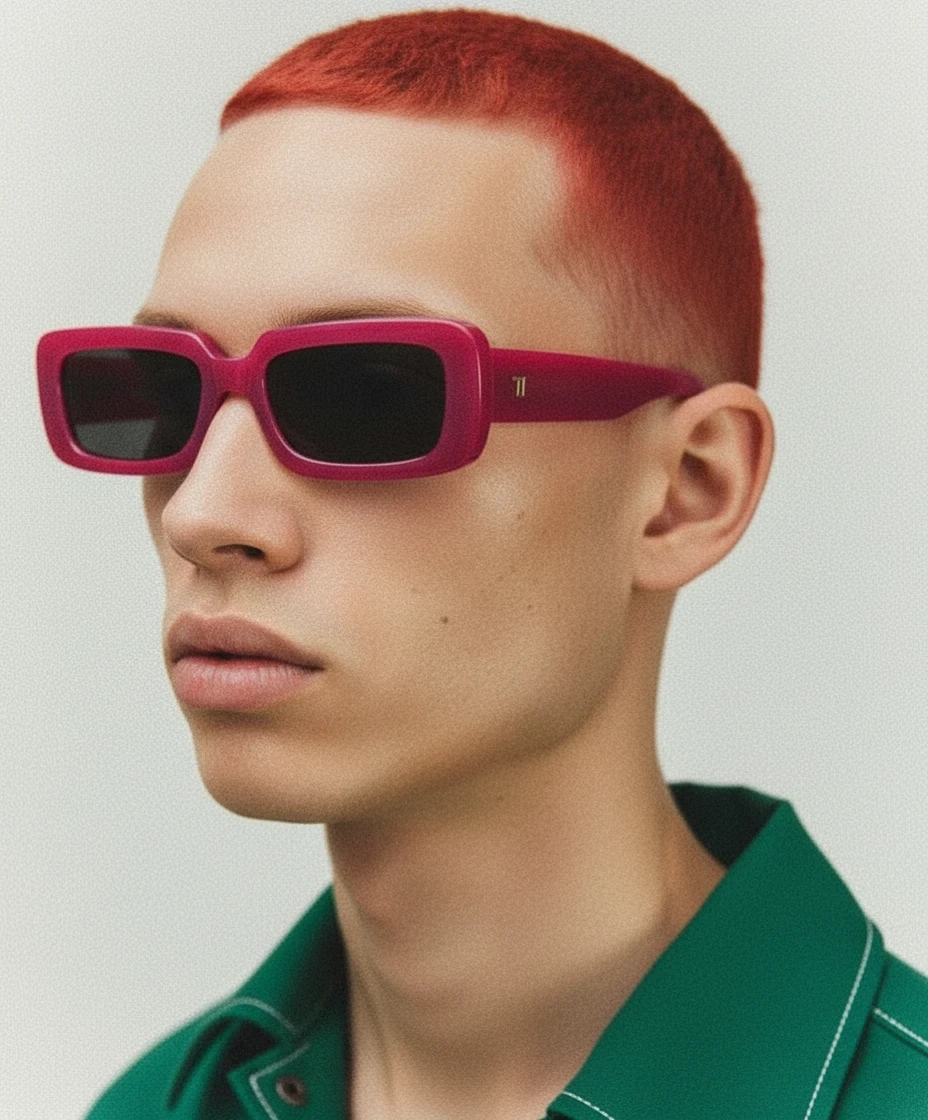
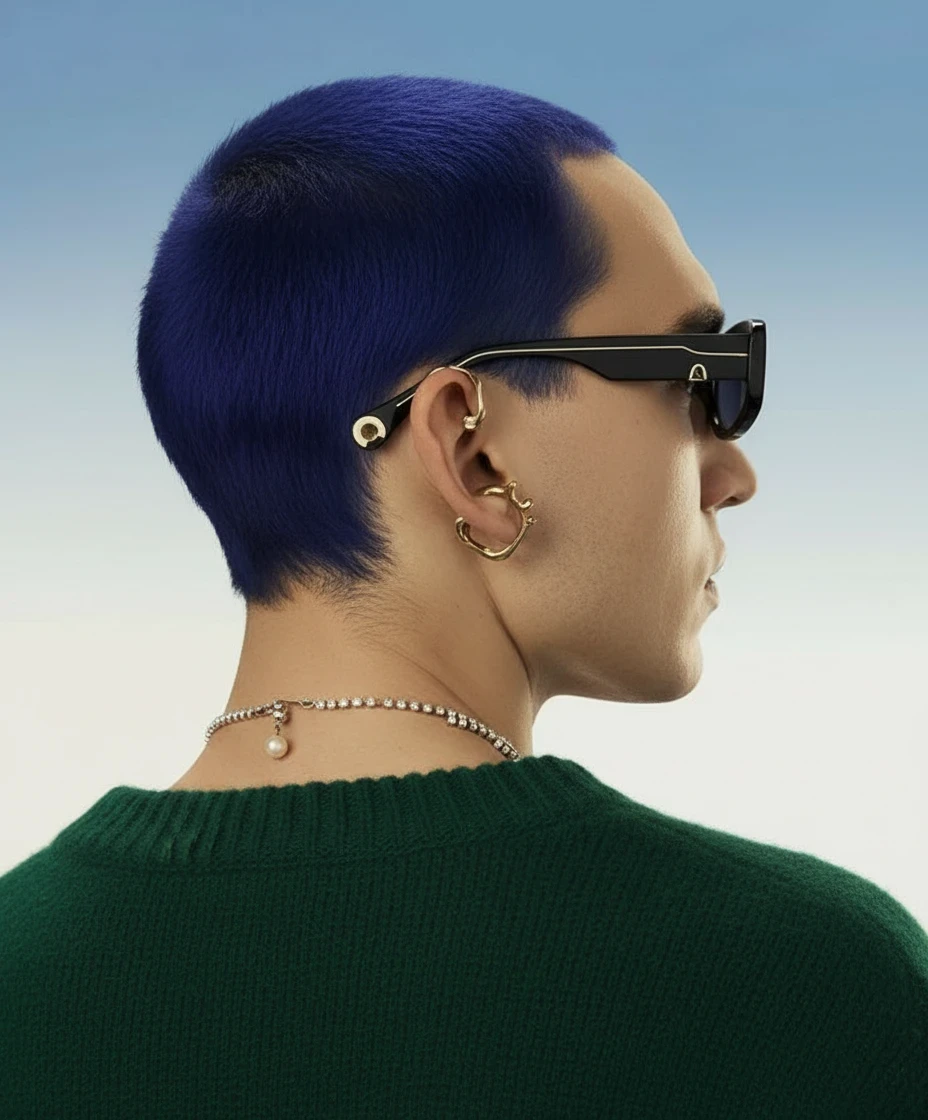
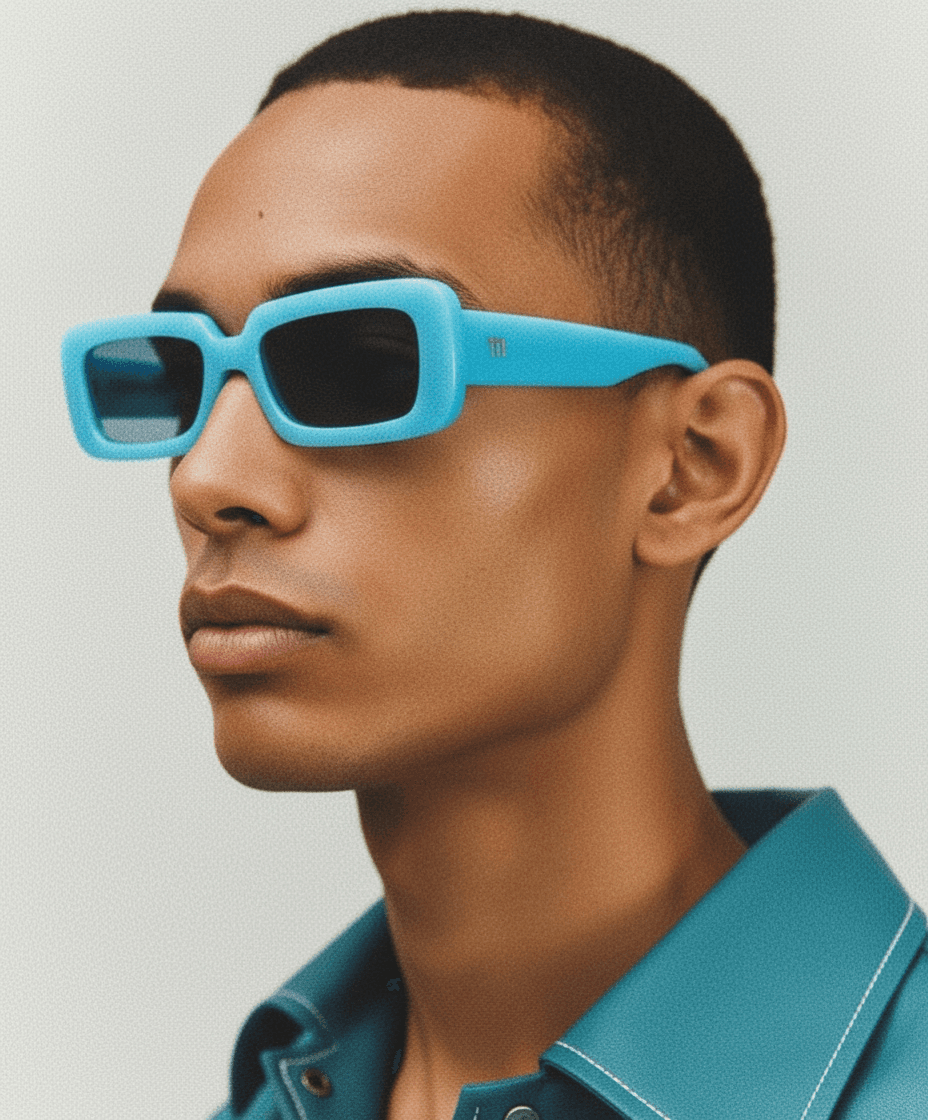
Orbiting Gallery 3D is a premium Framer component that suspends your media in an elegant, continuously rotating 3D elliptical path. Powered by advanced Framer Motion physics, this carousel moves beyond flat grids, bringing a profound sense of depth and spatial awareness to your web design. As cards travel to the back of the orbit, they naturally scale down, fade, and blur, creating a highly realistic cinematic depth-of-field effect.
Whether you are building a modern team roster, a sleek product showcase, or a dynamic feature loop, this component delivers unmatched fluidity. It combines native scroll-syncing, momentum-based drag inertia, and complete visual control right from the Framer sidebar, all while ensuring flawless performance across desktop and mobile.
✨ Key Highlights
True 3D Spatial Orbit: Cards travel along a fully customizable elliptical path (X and Y radius), utilizing extreme 3D perspective to create a striking sense of physical space.
Dynamic Depth-of-Field: Engineered with intelligent motion values, items automatically scale down, lose opacity, and heavily blur as they rotate to the back of the carousel, bringing the front items into sharp focus.
Fluid Momentum Physics: Let the gallery gracefully auto-spin, sync it to native page scrolling, or let users grab and swipe with buttery-smooth, friction-based inertia.
Flawless Mobile Scrolling: Features smart touch-action engineering so users can freely interact with the horizontal orbit without ever hijacking or breaking their vertical page scroll.
Rich Media & Overlays: Seamlessly mix static images and looping videos (with performance-friendly "Play on Hover" support), and layer them with customizable gradient overlays, titles, and subtitles.
⚙️ Complete Design Control
Content & Media: Switch seamlessly between Image and Video nodes, configure Autoplay or Play on Hover, and fully style your typography with adjustable title sizes, subtitle weights, and custom overlay gradients.
Geometry & Space: Take absolute control over the 3D staging. Define the exact width and depth of the orbit path, dial in the global perspective distortion, and customize the base card dimensions, corner radiuses, and drop shadows.
Physics & FX: Fine-tune the tactile feel of the gallery. Adjust the auto-spin speed and direction, tweak the drag grip and scroll sensitivity, define the exact friction of the inertia glide, and set the precise blur and scale values for items at the back of the orbit.
💡 Perfect For
Product Showcases: Highlight physical products or app features in a sleek, continuously rotating spatial loop.
Team & Contributor Rosters: Replace boring static grid layouts with an interactive, engaging way to introduce your agency or startup team.
Editorial Highlights: Present articles, case studies, or lookbooks with a premium, app-like navigational feel.
Share It On :
