










Perspective Spiral Gallery: Editorial 3D Helix
Perspective Spiral Gallery is a striking, hardware-accelerated 3D vertical helix that takes your Framer layouts into a completely new dimension. Unlike standard sliders, this component wraps your images and videos around an invisible 3D cylinder, creating a continuous, towering spiral of media. Engineered with highly optimized CSS 3D transforms, it delivers native DOM performance with buttery-smooth, interactive physics.
Whether you are building an immersive timeline, a captivating agency portfolio, or a dynamic feature list, this component invites users to drag, scroll, and explore your content from every angle, all while maintaining perfect responsiveness and crisp rendering.
✨ Key Highlights
Towering 3D Helix: Your media is mathematically positioned along a vertical spiral, offering a dramatic sense of depth and scale that standard flat grids simply cannot match.
Cinematic Hover Dynamics: Features built-in color manipulation. Turn inactive cards into sleek black-and-white thumbnails that instantly burst into full color and scale up when hovered.
Omni-Directional Physics: Let users freely grab and spin the helix, map the rotation natively to their mouse scroll, or set a continuous base drift for an effortless idle animation.
Interactive Mouse Parallax: The entire 3D container subtly tilts on the X and Y axes as the user moves their mouse across the screen, adding an incredibly premium layer of spatial awareness.
Mixed Media Mastery: Seamlessly mix static images and looping videos in the same spiral, with smart performance controls for Autoplay or "Play on Hover."
⚙️ Complete Design Control
Content & Media: Easily switch between Image and Video nodes, control autoplay behaviors, adjust the base card dimensions, define the corner radius, and toggle the cinematic "B&W Inactive" effect.
Geometry & Space: Take absolute control over the helix structure. Define the total vertical height, the radius of the spiral, the exact number of 360-degree loops it makes, and the global 3D perspective to create anything from subtle curves to extreme fish-eye distortions.
Physics & Motion: Toggle specific interactions on or off (Drag, Hover, Tilt, Scroll). Fine-tune the scroll sensitivity, adjust the drag friction for satisfying momentum, and dial in the base drift speed for inactive states.
💡 Perfect For
Agency Portfolios: Present your creative case studies in a towering, interactive 3D sculpture that demands attention.
Immersive Timelines: Build vertical company histories or product roadmaps that users can physically spin through.
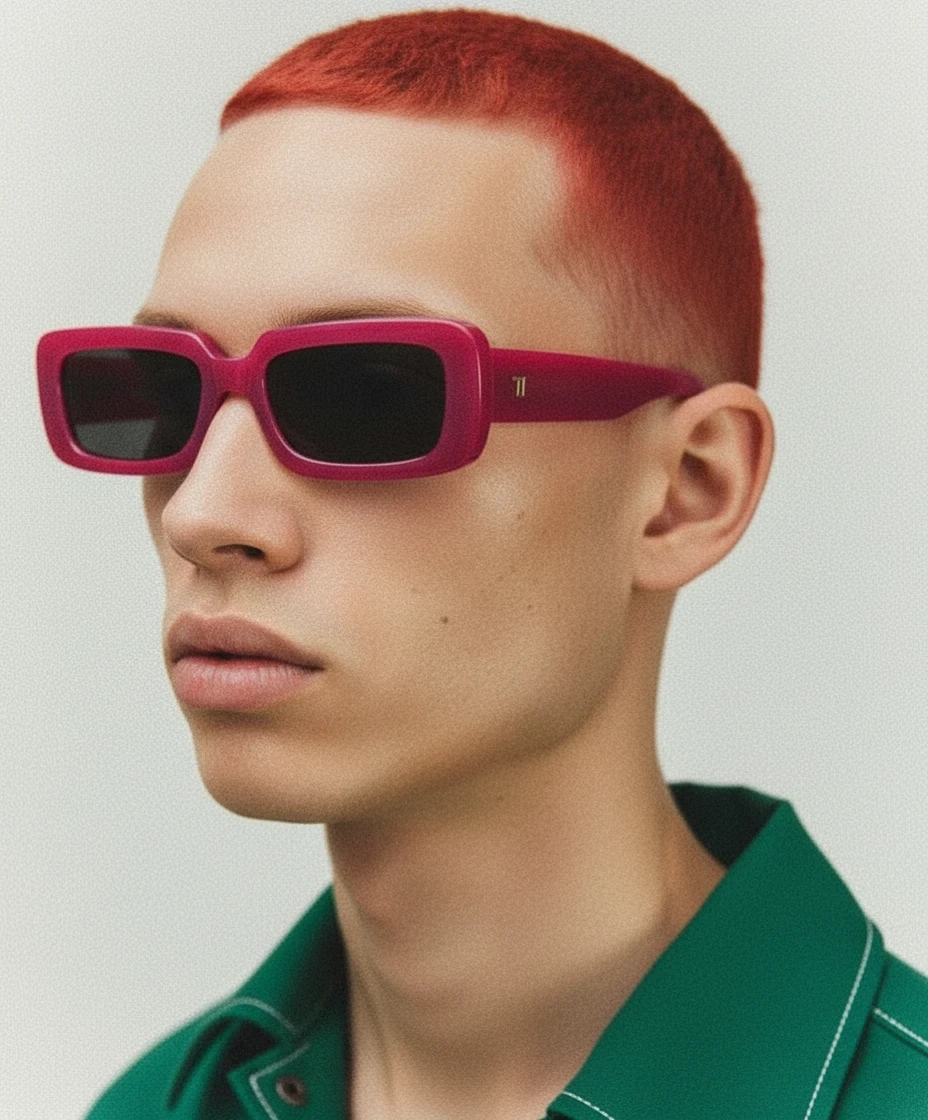
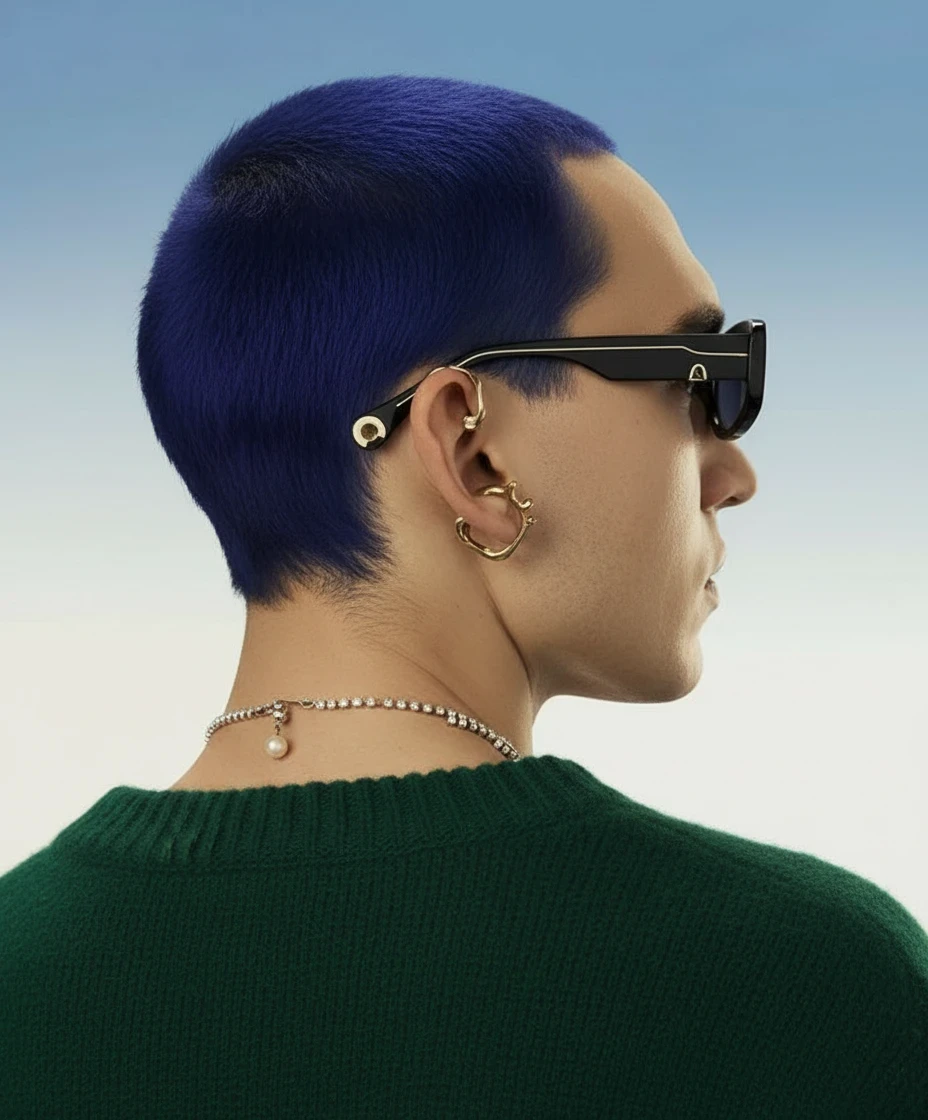
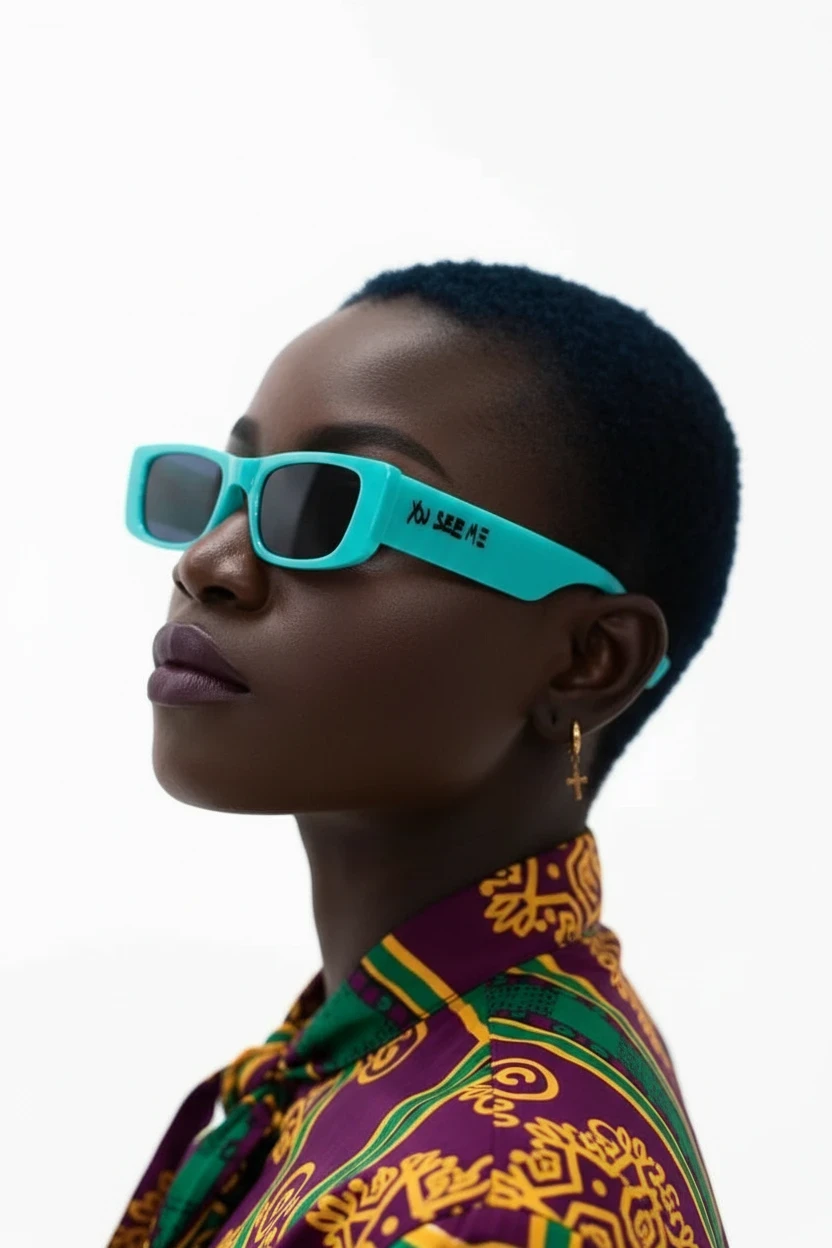
Editorial & Fashion: Showcase high-end lookbooks or photo galleries in a continuous, flowing vertical layout.
Share It On :
